How To Use A Mr Coffee Machine – Step-By-Step Guide
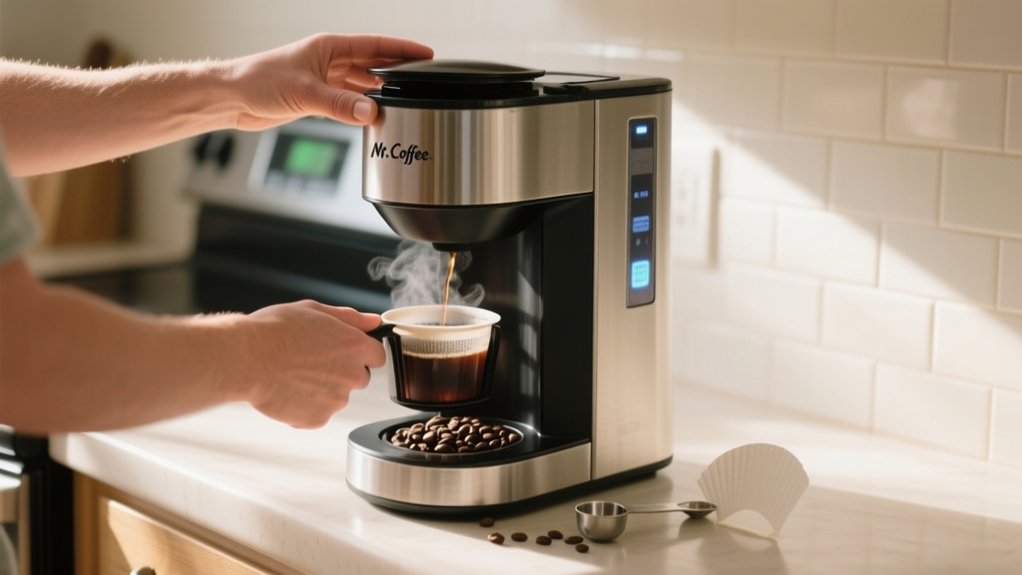
To use your Mr. Coffee machine, first verify it’s plugged in and clean the carafe, brew basket, and filter. Fill the reservoir with measured cold water and add coffee grounds, about 1 tablespoon per cup, in the filter.
Secure the brew basket, place the carafe on the warming plate, then press “Brew Now” or set the timer to “Brew Later.” Clean regularly to prevent buildup and register your product for warranty support. Mastering these basics will help you explore advanced features and maintenance tips.
Prepare Your Mr. Coffee Machine for Brewing
Before you start brewing, verify your Mr. Coffee machine is properly set up. First, plug the unit into a secure power source on a stable surface. Remove the carafe, brew basket, and reusable filter; wash, rinse, and dry each thoroughly to prevent residue buildup.
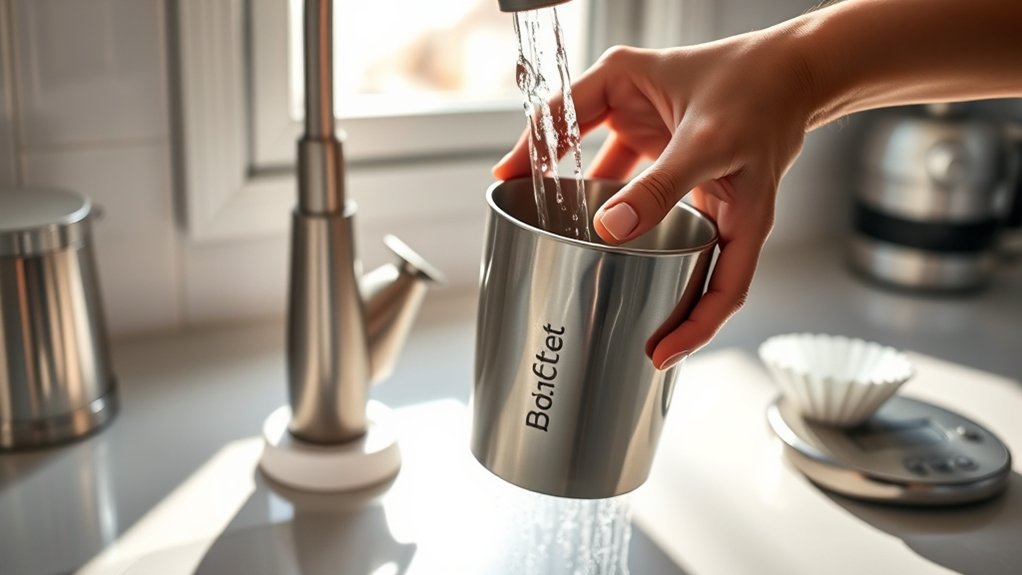
Next, fill the water reservoir with fresh, cold water using the cup measurements indicated to guarantee accurate brewing volume. Place a dry carafe beneath the brew basket to avoid hissing sounds during operation.
Fill the reservoir with fresh water and place a dry carafe to ensure smooth brewing without noise.
Before your first brew, run a hot water cycle by starting the machine without coffee grounds. Then discard the heated water to cleanse internal components.
Finally, set the clock on the control panel using the Hour and Minute buttons, verifying your brew timing is precise and convenient.
Add Water and Coffee Grounds to Your Mr. Coffee
Start by measuring the appropriate amount of fresh, cold water for your Mr. Coffee. Pour it into the water reservoir, adhering to minimum amounts: 20 oz. for a 12-cup or 10 oz. for a 5-cup machine.
Next, place a filter in the brew basket and add coffee grounds. Use 1 tablespoon per cup for ideal flavor; adjust the coffee amount for stronger brews, ensuring grounds are medium-fine size. Securely insert the brew basket and close the lid.
| Cups of Water | Coffee Amount | Grind Size |
|---|---|---|
| 8 oz. | 1 scoop | Medium to medium-fine |
| 12 oz. | 1.5 scoops | Medium to medium-fine |
| 16 oz. | 2 scoops | Medium to medium-fine |
Avoid pressing Brew Now or Brew Later until ready to brew.
Brew Coffee Now or Schedule Brewing
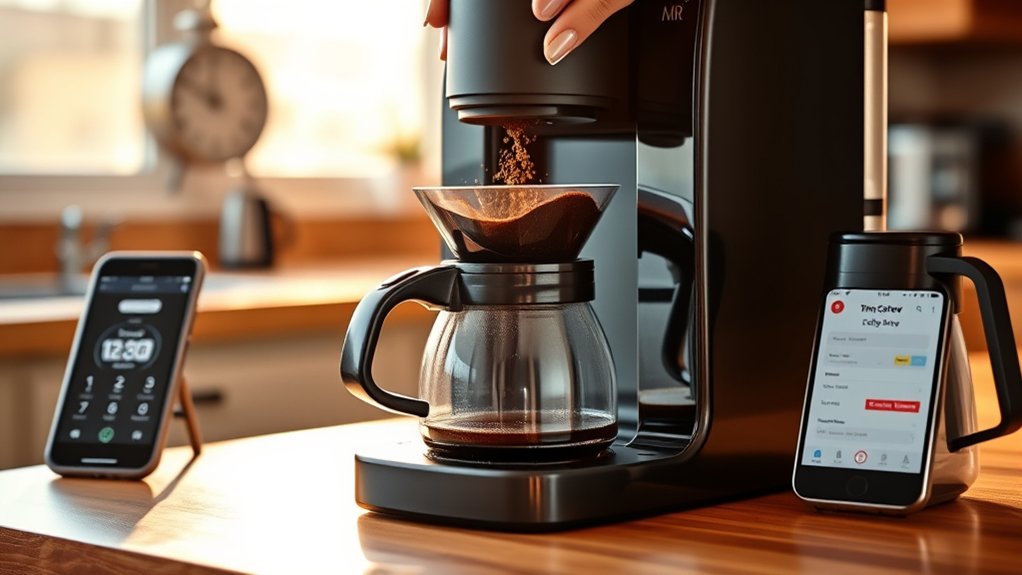
To brew coffee immediately, make certain the brew basket contains the desired amount of coffee grounds and the water reservoir is filled to the appropriate level.
Next, press the “Brew Now” button on the control panel. Confirm the carafe is correctly positioned on the warming plate to prevent spills during the brewing process.
For scheduling, after filling the brew basket and water reservoir, set the desired time on the clock, then press the “Brew Later” button. The machine will start brewing automatically at the scheduled time, producing some noise and steam.
Once brewing completes, remember to turn off the machine manually if it doesn’t shut off automatically after four hours. This helps preserve safety and energy efficiency.
Program Your Mr. Coffee for Scheduled Brewing
While setting up your Mr. Coffee machine for scheduled brewing, start by setting the clock using the Hour and Minute buttons on the control panel.
Next, fill the water reservoir with the desired amount of water, placing the carafe securely beneath the coffee spout.
Add coffee grounds to the brew basket. Use 1 tablespoon per cup of water for ideal flavor.
Press the “Brew Later” button and set the programmed time for automatic brewing. Your machine will start brewing at the scheduled time without further intervention.
Before leaving it unattended, double-check all settings.
- Wake up to the aroma of freshly brewed coffee
- Enjoy perfectly timed coffee every morning
- Experience consistent, ideal flavor with precise measurements
- Save time and effort with automated brewing at your programmed time
Keep Your Mr. Coffee Fresh With Cleaning Tips
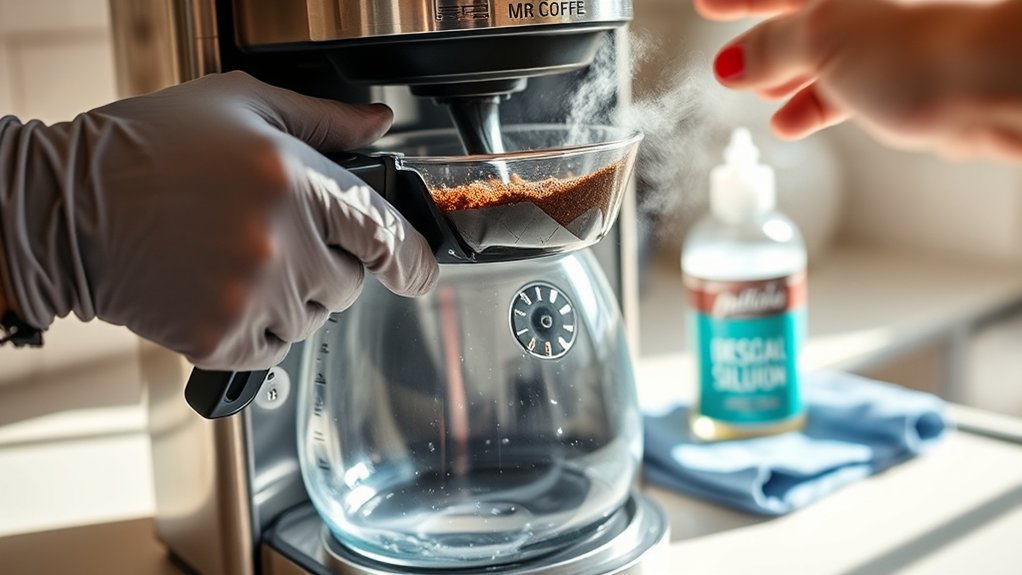
Once you’ve programmed your Mr. Coffee, it’s crucial to clean your Mr. Coffee machine regularly to maintain fresh-tasting coffee. After every use, wash the carafe and reusable filters to avoid residue buildup.
Establish a cleaning schedule for a monthly deep clean to prevent calcium buildup. Use a solution of equal parts vinegar and water; run it through a full brewing cycle and let it sit for 15-30 minutes to effectively remove mineral buildup.
Follow with a thorough rinse using fresh water to eliminate vinegar traces. Alternatively, you can use lemon juice or baking soda mixed with water as alternative cleaning solutions.
Consistent upkeep guarantees your machine operates efficiently and consistently delivers rich, fresh flavors without interference from mineral deposits or buildup.
Troubleshoot Common Brewing Issues With Mr. Coffee
If your Mr. Coffee is brewing slowly, it usually means there’s a buildup of coffee oils or minerals inside.
You’ll want to descale it using a vinegar solution to get things flowing smoothly again.
Now, if you notice any unusual odors during brewing, it’s often because there are leftover grounds or residue stuck in the filter basket.
Giving that a good clean should fix the problem.
And if you spot any leaks, start by checking that the water reservoir isn’t overfilled.
Make sure the carafe is sitting properly in place, and take a close look at the carafe itself for any cracks or damage.
That should help you pinpoint the issue.
Slow Brewing Causes
When your Mr. Coffee machine experiences slow brewing, it’s often due to blockages or maintenance needs. Slow brewing usually results from clogged filters caused by accumulated coffee oils and mineral buildup, which restrict water flow.
Check the water reservoir to guarantee it’s filled adequately, as low water levels can also slow the process. Leaks within the machine disrupt normal operation and should be addressed immediately to prevent further issues.
Although unusual odors might accompany brewing problems, focus on cleaning the machine regularly every 40-80 brews to maintain peak performance.
- Inspect filter basket for residues causing clogging
- Maintain adequate water levels in the reservoir
- Perform routine deep cleaning to remove coffee oils and mineral buildup
- Repair leaks promptly to avoid brewing disruptions
Unusual Odors Detection
Unusual odors during brewing often signal underlying issues such as coffee oil or mineral buildup within your Mr. Coffee machine. To address unusual odors, inspect the brew basket for residual coffee grounds, as they can cause off smells and degrade flavor.
A burnt smell typically indicates overheating, which might stem from leaving the machine on too long or a faulty heating element.
Perform regular cleaning every 30 days using a vinegar solution to dissolve mineral deposits and prevent odor-causing buildup.
Moreover, check for leaks, since moisture accumulation can promote mold growth, leading to musty odors during brewing.
Promptly resolving these factors through thorough cleaning and maintenance guarantees your Mr. Coffee delivers consistently fresh, odor-free coffee.
Leak Identification Steps
Start by inspecting four key areas to identify leaks in your Mr. Coffee machine. Effective leak identification requires checking these critical points to prevent overflow and guarantee proper brewing.
Examine the water reservoir for cracks or improper seating. Leaks often start here because water escapes during brewing.
Verify the brew basket is firmly secured. If it’s misaligned or loose, it can cause overflow and water leakage.
Check the carafe alignment on the warming plate. Misalignment leads to spills during pouring.
Inspect the filter for blockages or improper fitting. These issues allow coffee grounds to escape and create leaks.
Regularly cleaning components prevents buildup that can cause leaks. Addressing these areas systematically will maintain your machine’s functionality and prevent frustrating leaks.
Register Your Mr. Coffee for Warranty and Support
Although registering your Mr. Coffee machine may seem optional, completing the product registration is essential for warranty and support. To register, visit the official website’s product registration section, then enter your purchase date and model number accurately.
Register your Mr. Coffee machine online with your purchase date and model number for essential warranty and support benefits.
Keep your proof of purchase handy, as it may be required during registration or when claiming warranty support. Registration guarantees you receive important maintenance tips and warranty updates tailored to your model.
It also grants access to instructional manuals and exclusive support resources, streamlining troubleshooting. By registering promptly, you enable swift warranty claims if issues arise, reducing downtime.
Follow these precise steps to secure your machine’s warranty coverage and maximize your support options, ensuring peak performance and longevity of your Mr. Coffee appliance.
Frequently Asked Questions
Can I Use Flavored Coffee Pods With My Mr. Coffee Machine?
Yes, you can use flavored coffee pods with your Mr. Coffee machine if it supports pod compatibility or has an adapter.
To enhance brewing methods and taste preferences, select pods fitting your machine’s specifications.
Adjust coffee strength accordingly, as flavored pods vary in intensity. Proper pod storage preserves freshness.
Compare brands for quality and flavor consistency.
Regular machine maintenance guarantees peak extraction and prevents residue buildup, maintaining your coffee’s taste and machine longevity.
How Long Does the Coffee Stay Warm in the Carafe?
Your coffee stays warm in the carafe for about 30 minutes because of the warming plate’s thermal efficiency.
The carafe’s temperature gradually drops, which affects how well the coffee retains heat and freshness.
To keep your coffee warmer longer, try pre-warming the carafe with hot water before brewing.
The design of the lid and the material of the carafe also play a role in maintaining temperature stability.
If you want to keep your coffee warm for an extended time, consider using a thermal carafe.
It maintains the ideal temperature without relying on electric heat, which can improve your brewing experience and keep your coffee fresher.
Is It Safe to Use Bottled Water Instead of Tap Water?
Yes, using bottled water is safe and often preferable due to bottled water benefits like balanced mineral content and fewer impurities compared to tap water drawbacks such as chlorine and heavy minerals.
These factors influence taste differences and reduce mineral buildup, enhancing brewing effects and machine compatibility.
Consider filtration methods and health considerations when choosing bottled water.
Make sure it’s spring or purified water at room temperature for ideal extraction and consistent performance in your Mr. Coffee machine.
Can I Use Reusable Coffee Filters With Mr. Coffee Machines?
Just like choosing the right lens sharpens a photographer’s vision, using a reusable filter with your Mr. Coffee machine enhances brewing precision.
You’ll enjoy eco-friendly options that boost coffee flavor and save money.
Always check if the filter is compatible with your model and follow maintenance tips.
Rinse it after use and soak it periodically.
Compare popular brands for durability.
These brewing tips guarantee consistent, waste-reducing performance and long-term value.
What Is the Average Lifespan of a Mr. Coffee Machine?
You can expect your Mr. Coffee machine to last around 3 to 5 years with proper coffee machine maintenance.
Consistently using correct brewing techniques, the right coffee grind size, and maintaining water quality impact longevity.
Regularly clean with suitable cleaning solutions, monitor brewing temperature, and apply machine troubleshooting when needed.
Also, follow coffee storage tips to preserve grounds freshness, which supports efficient extraction and reduces wear on your brewer, extending its functional lifespan effectively.
Conclusion
By following these precise steps, you’ll master your Mr. Coffee machine effortlessly. Imagine waking up to the aroma of freshly brewed coffee, perfectly timed for your busy mornings, just like Sarah, who programmed hers to start brewing before her alarm.
With proper preparation, maintenance, and troubleshooting, you’ll guarantee consistent, high-quality coffee every time. Take control of your brewing experience and enjoy the convenience and reliability your Mr. Coffee machine offers daily.