
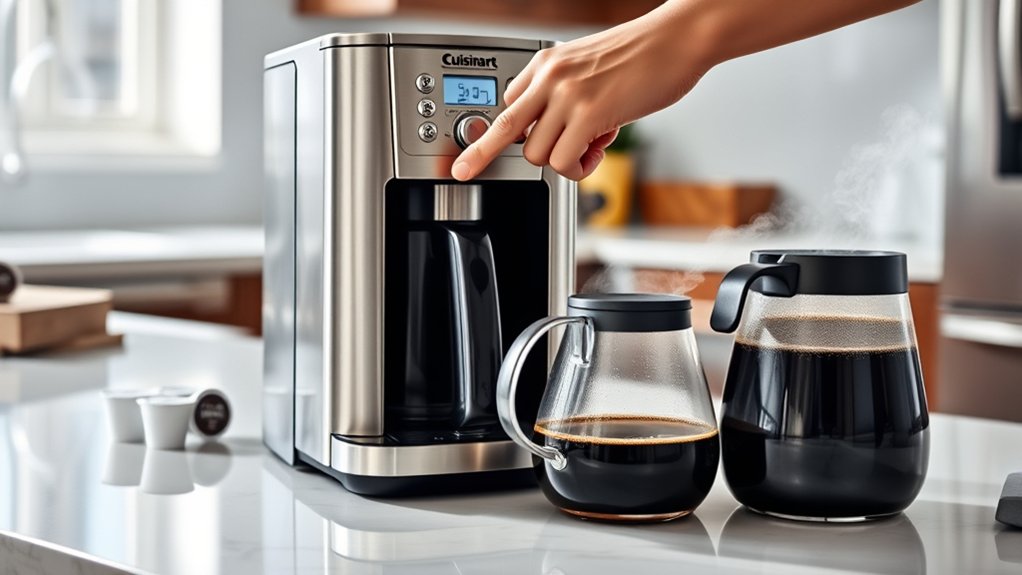
How To Program Cuisinart Coffee Maker – Setup And Brewing Instructions
To program your Cuisinart coffee maker, first set the clock by holding the “Hour” button until it blinks. Then, adjust the hours and minutes.
Next, press “Program” to set your brew start time and confirm it by pressing the same button again.
Add water and coffee grounds, place the carafe correctly, then press “Auto” to activate auto-brew or “Brew” for manual.
You can also adjust the brew strength and temperature to get the perfect cup. Keep exploring for tips on maximizing your brew experience.
How to Set Up Your Cuisinart Coffee Maker for the First Time
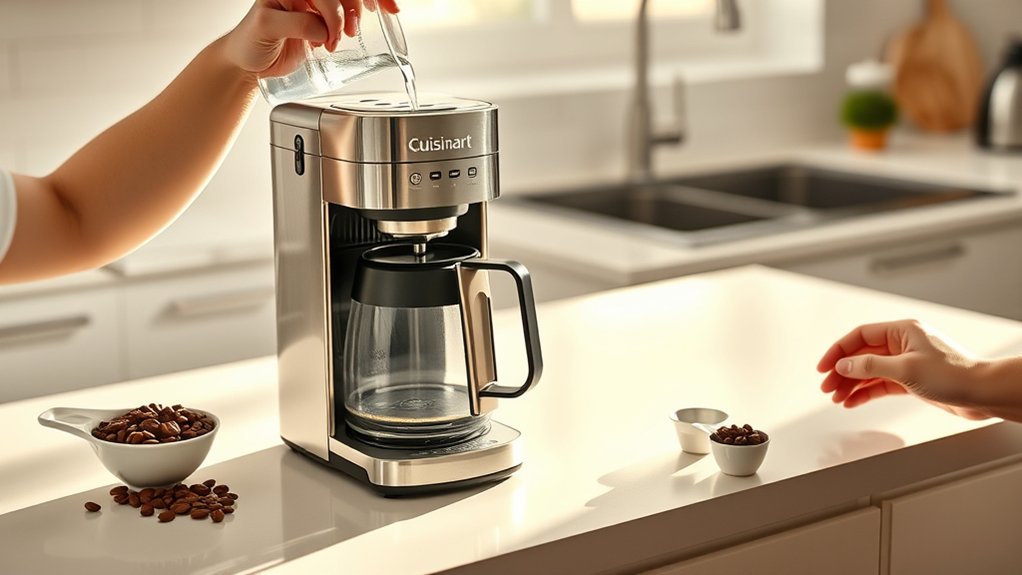
Wondering how to get started with your new Cuisinart coffee maker? First, place the machine on a flat, stable surface near an outlet. Rinse the water reservoir thoroughly to guarantee proper water filtration and fill it with fresh, cold water.
Start your Cuisinart coffee maker right by placing it securely and filling the clean reservoir with fresh water.
Next, open the filter basket and insert a clean coffee filter. Use freshly ground coffee beans for the best flavor, measuring the right amount based on your brew size preference. Close the filter basket securely.
Before your first brew, run a water-only cycle to clean the internal components. Once that’s done, your Cuisinart is ready for brewing.
This initial setup helps ensure the best taste and longevity for your coffee maker. Remember, clean water and quality coffee beans make all the difference!
How to Program the Clock and Timer on Your Cuisinart Coffee Maker
First, you’ll want to set the clock to match the current time. Once that’s done, go ahead and program the brew timer so your coffee starts brewing exactly when you want it.
After that, make sure to adjust any other time settings to guarantee your coffee maker runs perfectly on your schedule.
Setting The Clock
Although setting the clock might seem straightforward, getting it right guarantees your coffee brews exactly when you want it.
First, plug in your Cuisinart coffee maker. Press and hold the “Hour” button until the display blinks, then set the correct hour using the same button.
Next, press the “Minute” button and adjust the minutes as needed. Confirm the time by waiting a few seconds; the display stops blinking.
Setting the clock accurately assures your brew timer works properly, which impacts the coffee flavor by starting extraction at the right moment.
Also, a correctly set clock helps you anticipate brewing noise so you won’t be caught off guard.
Getting this step right sets a smooth foundation for a perfect cup every time.
Programming The Brew Timer
With the clock set correctly, you can now program the brew timer to have your coffee ready exactly when you want it. Press the “Program” button until the brew time digits blink. Use the hour and minute buttons to set your desired brew start time.
Once set, press “Program” again to confirm.
Remember, fresh grind consistency directly impacts coffee flavor, so grind your beans just before brewing for the best taste. Avoid pre-ground coffee if you want a richer, more aromatic cup.
Once programmed, your Cuisinart will automatically start brewing at the set time, ensuring your coffee is fresh and hot. This feature lets you wake up or return home to perfectly brewed coffee without any extra effort.
Adjusting Time Settings
Before you program the brew timer, you’ll need to set the clock on your Cuisinart coffee maker. Press the “Hour” button repeatedly until the display shows the correct hour. Then do the same with the “Minute” button for minutes. Make sure to adjust the AM/PM setting accordingly.
Setting the clock accurately guarantees your brew timer activates exactly when you want it.
Once the clock is set, you can program the brew timer to suit your schedule.
Remember, using fresh coffee bean varieties and properly filtered water enhances flavor, so prepare those before brewing.
If your coffee maker has a water filtration system, replace filters regularly for the best taste.
With the correct time set, you’ll enjoy fresh, perfectly timed coffee every morning.
How to Set the Auto-Brew Function on Your Cuisinart Coffee Maker
First, make sure you’ve set the clock correctly on your Cuisinart coffee maker.
Once that’s done, go ahead and program the desired brew time using the timer buttons.
After that, just activate the auto-brew mode, and your coffee maker will start brewing automatically at the time you set.
It’s that simple!
Setting The Clock
How do you set the clock on your Cuisinart coffee maker to make certain your coffee brews exactly when you want it? First, make sure your coffee beans are fresh and your water filtration system is working. These things really impact the taste once the clock is set.
Now, follow these steps:
- Press the “Hour” button and hold it until the display flashes. Then, use the same button to set the hour.
- Press the “Minute” button to adjust the minutes. You can hold or tap it until you reach the correct time.
- Once the time is set, release the buttons. The display will stop flashing, which means the clock is set.
Setting the clock accurately ensures your coffee brews right on schedule. This way, you get the most flavor from your beans and filtered water.
Programming Brew Time
When do you want your coffee to start brewing automatically? To program the brew time on your Cuisinart coffee maker, first verify the clock is set correctly. Press the “Program” button until the display blinks.
Use the hour and minute buttons to set the desired brew start time.
Confirm your selection by pressing “Program” again.
Remember, choosing the right bean selection beforehand impacts your coffee flavor considerably. Fresh, high-quality beans enhance the taste, so pick your favorite before setting the timer.
Setting the brew time lets you wake up to freshly brewed coffee without hassle. This step guarantees your machine starts brewing at the exact time you want, maximizing convenience and maintaining ideal coffee flavor.
Activating Auto-Brew Mode
Once you’ve set your desired brew time, you can activate the auto-brew function to guarantee your Cuisinart coffee maker starts brewing without any further input. This feature lets you wake up to the fresh aroma of your favorite coffee bean, perfectly brewed to highlight its unique flavor profile.
To activate auto-brew mode:
- Press the “Auto” button on your control panel.
- Confirm the programmed brew time displays correctly.
- Ensure the coffee maker is loaded with fresh coffee beans and water, then press “Start” or “On.”
Your machine will now automatically brew at the set time, preserving the coffee bean’s flavor profile for a delicious cup every morning. It’s that simple! Just set it and forget it until your coffee is ready.
Choosing the Right Coffee Grind and Filter for Your Cuisinart Coffee Maker
Although choosing the right coffee grind and filter might seem simple, these factors greatly affect the flavor and quality of your brew. Start with fresh coffee beans, as the quality of the coffee bean directly impacts taste.
Grind size is vital: for your Cuisinart coffee maker, a medium grind works best. Too fine, and the coffee may taste bitter; too coarse, and it can be weak or watery. Use a burr grinder for consistent grind size, which helps extract balanced flavors.
When selecting filters, opt for the paper or reusable gold-tone filter designed for your Cuisinart model. Paper filters produce a cleaner cup by trapping oils, while reusable filters allow more oils through for a richer flavor. Choosing the right grind and filter guarantees every cup tastes just right.
How to Add Water and Coffee Grounds to Your Cuisinart Coffee Maker
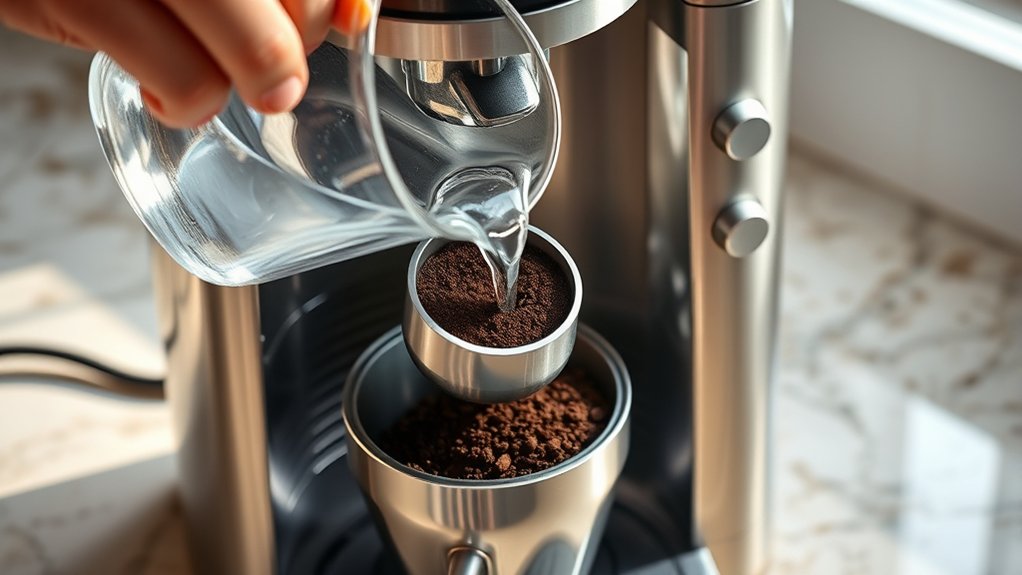
How much water you add directly affects the strength and flavor of your coffee, so measuring carefully is key. Start by using filtered water to improve taste and protect your Cuisinart coffee maker from mineral buildup.
Precise water measurement is essential for perfect coffee strength and flavor while protecting your Cuisinart from mineral buildup.
Next, add fresh coffee grounds made from quality coffee beans for the best aroma and flavor.
- Open the water reservoir and pour in filtered water, matching the number of cups you want to brew.
- Place a clean filter in the basket, then add the correct amount of coffee grounds, generally one to two tablespoons per cup.
- Close the lid securely to prevent spills and ensure proper brewing.
How to Start Brewing Manually on Your Cuisinart Coffee Maker
Once you’ve added water and coffee grounds, you’re all set to start brewing manually.
Just press the “Brew” button to kick things off. Your Cuisinart coffee maker will take care of the rest, and before you know it, you’ll have fresh coffee ready in minutes.
Easy, right?
Manual Brewing Steps
Before you start manual brewing on your Cuisinart coffee maker, make sure you’ve filled the water reservoir and added the right amount of coffee grounds. This step is key to getting the best flavor and keeping your beans fresh.
To get going with manual brewing:
- Press the “Brew” button to turn on manual brewing mode.
- Keep an eye on the brewing process to control how long the coffee extracts — this really changes the taste and strength.
- When your coffee reaches the strength you like, just press “Brew” again to stop.
It’s that simple! Enjoy your perfectly brewed cup.
Starting The Brew Cycle
Although you’ve prepared your coffee grounds and water, you need to initiate the brew cycle manually to get started. First, make sure the carafe is properly placed on the warming plate.
Then, press the “Brew” button on your Cuisinart coffee maker.
The machine will begin heating the water and dripping it over the grounds.
Remember, the coffee flavor depends heavily on bean freshness and grind quality, so use fresh beans for the best results.
Avoid opening the lid during brewing, as this can disrupt the cycle and affect extraction.
Once the brewing process completes, the machine will automatically stop.
You can then enjoy a rich, flavorful cup of coffee brewed just the way you like it.
Starting the brew cycle yourself gives you control over every cup.
How to Adjust Brew Strength and Temperature on Your Cuisinart Coffee Maker
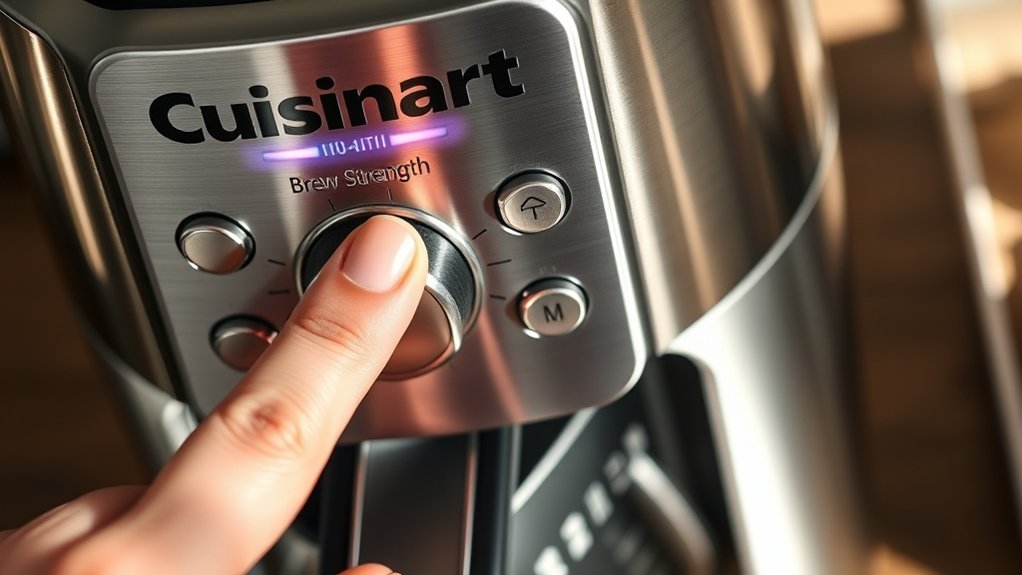
How do you customize your coffee to suit your taste? Adjusting brew strength and temperature on your Cuisinart coffee maker lets you perfect your coffee flavor with easy brew customization. Here’s how:
First, select your brew strength by pressing the “Brew Strength” button. You can toggle between regular, bold, or strong settings. Stronger settings pull more flavor for a richer cup.
Next, set your preferred brewing temperature using the “Temp” button. The range usually goes from 190°F to 200°F. Higher temperatures help bring out a more robust flavor.
Finally, confirm your settings and start the brew cycle. Your coffee maker will adjust automatically to deliver the coffee flavor you love. It’s that simple!
Using Keep Warm and Auto Shut-Off Features on Your Cuisinart Coffee Maker
Once you’ve set your ideal brew strength and temperature, you can keep your coffee fresh and ready with the Keep Warm feature. This function maintains the coffee’s temperature without overcooking it, which helps preserve that rich coffee flavor.
You can also rely on the Auto Shut-Off feature to turn the machine off after a set time. This saves energy and prevents bitterness that can happen when coffee is exposed to heat for too long.
Adjusting these settings works well with your chosen brewing speed and makes your overall experience even better.
| Feature | Description |
|---|---|
| Keep Warm | Maintains coffee temperature up to 2 hrs |
| Auto Shut-Off | Shuts off machine after 0-4 hours |
| Coffee Flavor | Preserved with controlled warming |
| Brewing Speed | Not affected by Keep Warm |
| Energy Saving | Enabled by Auto Shut-Off |
Troubleshooting Common Cuisinart Coffee Maker Programming and Brewing Issues
If your Cuisinart coffee maker isn’t brewing as expected or the programming features seem unresponsive, you’re not alone. Many users encounter common issues that can usually be fixed quickly. Here’s how to troubleshoot:
First, check the settings. Make sure the clock and brew time are set correctly. If the display is unresponsive, try resetting it.
Next, inspect the beans and grind. Poor coffee flavor often comes from stale beans or the wrong grind size. Try using fresh beans and adjust the grind settings if your machine allows it.
Finally, confirm the water level and filter placement. Not having enough water or a misaligned filter can stop the brewing process. Always use clean water and position the filter properly.
Following these steps should get your machine back to working well and improve your coffee’s flavor. Keeping your beans fresh and programming right makes a big difference.
How to Clean and Maintain Your Cuisinart Coffee Maker for Best Performance
Because regular cleaning keeps your Cuisinart coffee maker running smoothly, it’s essential to maintain it properly. Start by using the recommended cleaning accessories, like brushes and descaling solutions, to remove coffee oils and mineral buildup.
Clean the basket, carafe, and water reservoir after each use to preserve ideal coffee flavor.
For deeper cleaning, run a descaling cycle monthly to eliminate hard water deposits that affect taste and performance. Always unplug the machine before cleaning to ensure safety.
Wipe the exterior with a damp cloth and avoid abrasive materials that could damage surfaces.
Frequently Asked Questions
What Is the Warranty Period for Cuisinart Coffee Makers?
You get a limited warranty coverage of three years for Cuisinart coffee makers. This warranty protects you against defects in materials and workmanship.
If your machine malfunctions during this period, you can access repair services through Cuisinart’s customer support.
Just make sure you keep your purchase receipt and register your product. If a problem arises, contacting them promptly will help you get the necessary repairs or replacements without hassle.
It’s pretty straightforward, and they’re usually helpful when you reach out.
Can I Use Flavored Coffee Pods With My Cuisinart Coffee Maker?
It just so happens that you can use flavored pods with your Cuisinart coffee maker without any issues. Your machine’s brewing compatibility supports various pod types, including flavored pods, allowing you to enjoy a variety of tastes.
Just make certain the pods fit your model’s pod holder correctly.
Using compatible flavored pods guarantees smooth brewing and preserves the rich flavors you want. So, go ahead and explore different blends confidently.
You’ll likely find some new favorites along the way!
Are Replacement Parts Available for Older Cuisinart Models?
Yes, you can find spare parts for older Cuisinart models, but you’ll need to check model compatibility carefully. Start by identifying your coffee maker’s exact model number, then search online or contact Cuisinart’s customer service for available replacement parts.
Make certain the parts match your model to avoid compatibility issues. Using the right spare parts ensures your coffee maker functions properly and extends its lifespan.
It’s always worth double-checking before you buy. That way, you keep your coffee maker running smoothly without any hiccups.
How Energy-Efficient Is the Cuisinart Coffee Maker?
You’ll appreciate that Cuisinart coffee makers often use less than 150 watts during brewing, making them quite energy-efficient. With energy conservation in mind, these machines minimize power consumption by automatically shutting off after a preset time.
To save even more, use the auto-shutoff feature and avoid leaving the machine on unnecessarily. This way, you reduce energy waste while enjoying fresh coffee every morning without extra costs or environmental impact.
Can I Use My Cuisinart Coffee Maker for Tea or Other Beverages?
Yes, you can use your Cuisinart coffee maker for tea brewing and other beverages. Just place a tea bag or loose tea in the filter basket instead of coffee grounds.
The machine’s beverage versatility lets you brew hot water efficiently for herbal teas, hot chocolate, or instant drinks.
Remember to clean the machine thoroughly after each use to avoid flavor mixing. This way, you get multiple beverage options with one appliance.
It’s pretty convenient, right?
Conclusion
Programming your Cuisinart coffee maker is simple, yet mastering it transforms your mornings from rushed to relaxed. While setting the clock and timer might feel technical at first, it makes auto-brewing effortless.
Choosing the right grind and adjusting strength might seem small, but they really make a big difference in taste. By taking a few moments to set up and maintain your machine, you turn everyday coffee into a perfect, personalized ritual.