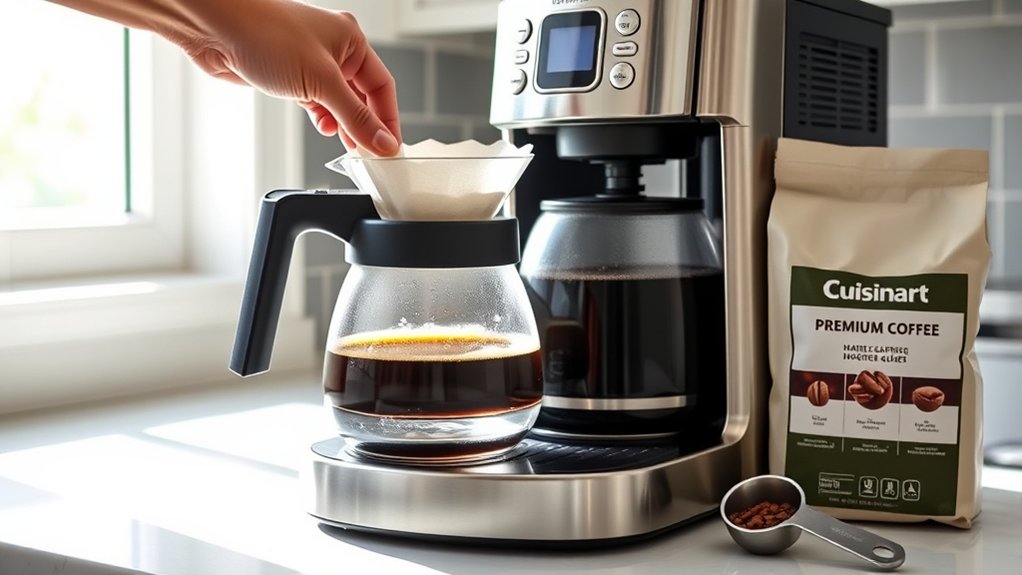
How To Use A Cuisinart Coffee Maker – Beginner’s Guide
To use your Cuisinart coffee maker, start by filling the reservoir with filtered water up to the fill line. Place a clean filter in the basket, then add a measured medium grind, about one tablespoon per cup. Secure the filter lid, select brew strength and temperature to your preference, and start the cycle.
After brewing, pour carefully and clean parts promptly to maintain quality. Master these steps now, and you’ll be ready to optimize every brew with advanced settings and maintenance tips. It’s easier than you think once you get the hang of it!
Get Your Cuisinart Ready to Brew
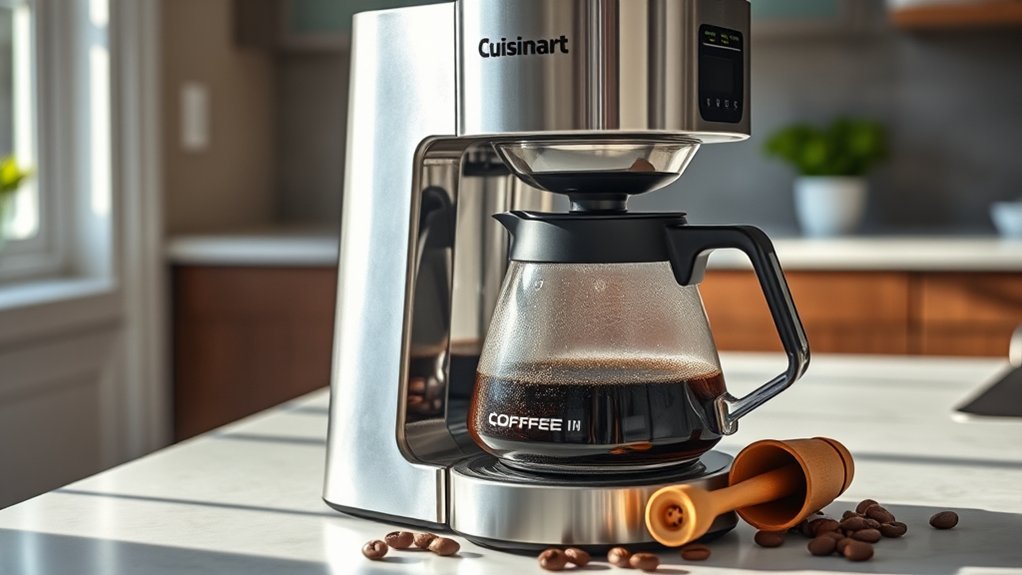
Before you start brewing, make sure your Cuisinart coffee maker is properly prepared by filling the water reservoir with clean, fresh water and placing a clean paper or reusable filter in the brew basket. Water quality directly impacts coffee flavor, so always use filtered or bottled water to avoid impurities that can alter taste.
Ensure fresh, filtered water and a clean filter for the best coffee flavor from your Cuisinart.
Next, turn on the machine and run a brewing cycle with just water to flush the internal components. This step removes any residues, ensuring ideal extraction.
Position the carafe correctly on the heating plate to prevent spills or temperature inconsistencies.
Finally, set your preferred brew strength and temperature using the control panel. These adjustments allow you to tailor the coffee flavor precisely to your liking. It’s a great way to maximize the machine’s performance and your enjoyment.
Measure and Add Water Correctly to the Reservoir
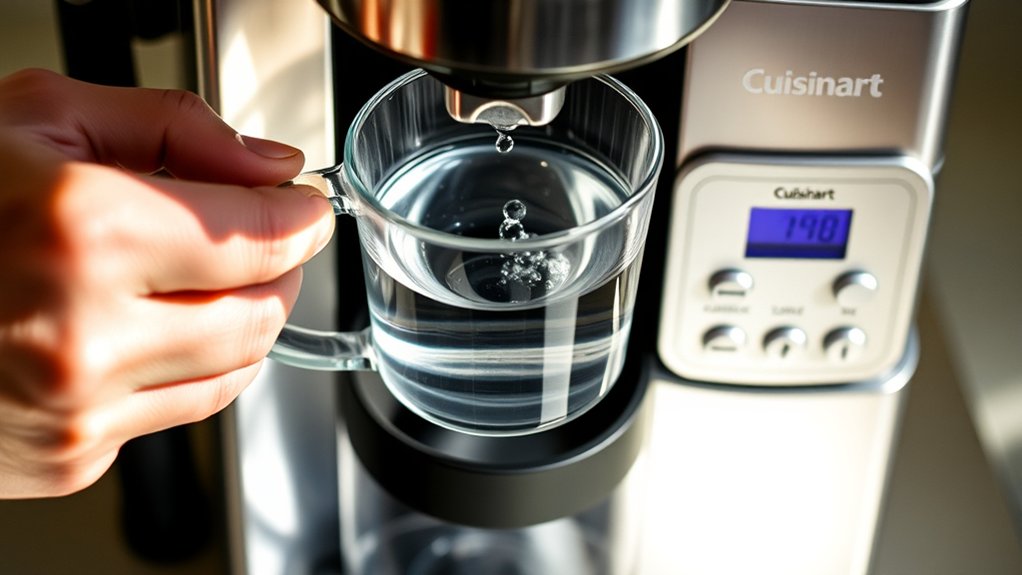
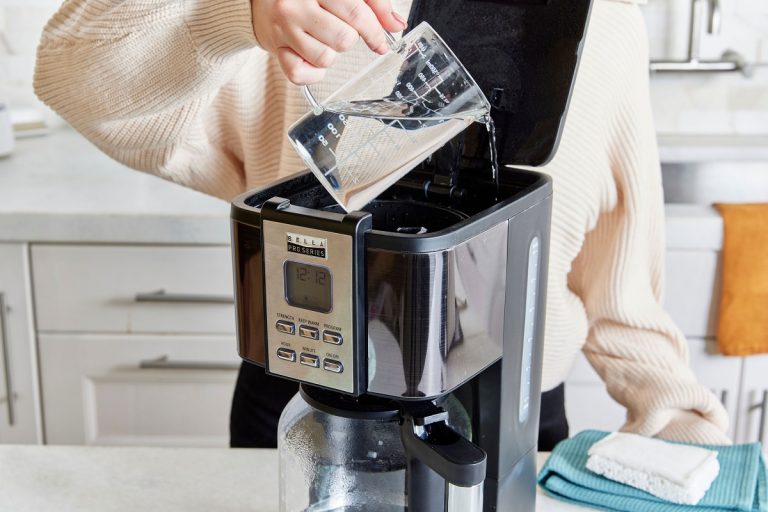
When you measure water for your Cuisinart coffee maker, always rely on the water fill line marked on the reservoir. This helps guarantee the precise volume for your desired brew size.
Start by removing the carafe and pouring fresh, filtered water into it to ensure accuracy.
Then, transfer this water into the reservoir, aligning it with the fill line to avoid overfilling.
Proper water measurement is critical for balanced extraction and preventing overflow or incomplete brewing.
If your model lacks a visible fill line, use a measuring cup to add water directly.
After filling the reservoir, securely close the lid to prevent spills and make sure the machine operates smoothly.
Accurate reservoir filling is essential for consistent brewing performance and maintaining your Cuisinart’s reliability.
Choose and Grind Coffee for Your Cuisinart Machine
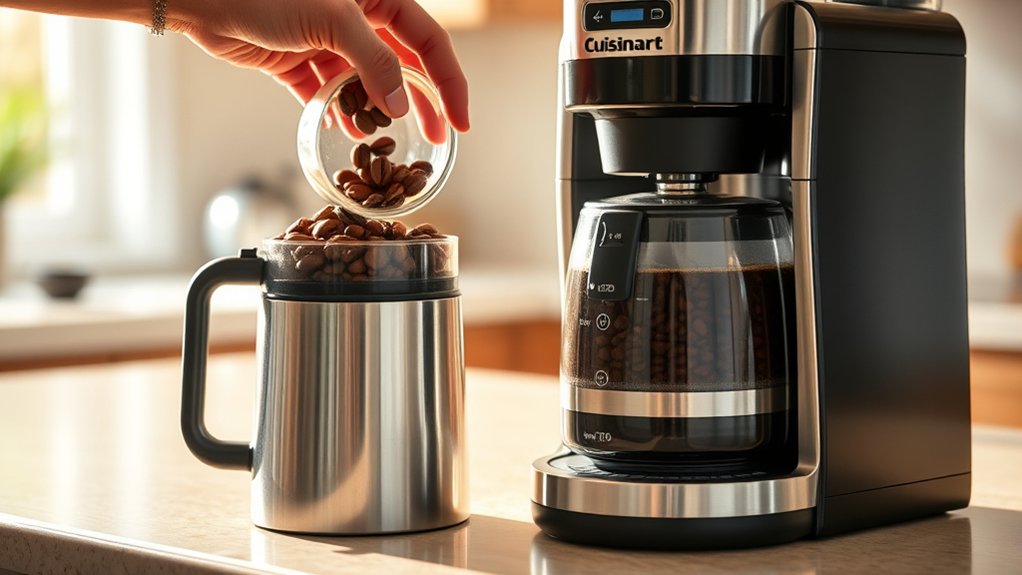
When you’re picking coffee beans for your Cuisinart machine, go for freshly roasted ones and grind them right before brewing. This helps keep all those great flavors and aromas intact.
You’ll want to use a medium grind size—think about the texture of coarse sand. This size works best to make sure your coffee brews evenly.
A good rule of thumb is to use about one tablespoon of ground coffee for every cup of water.
And don’t forget to keep your grinder clean! That way, you won’t have any old coffee residues messing with the taste.
Selecting Coffee Beans
How exactly do you guarantee your Cuisinart coffee maker delivers the richest flavor possible? Start by selecting high-quality, freshly roasted beans. Bean freshness is essential. It directly impacts coffee flavor.
Opt for medium roast beans for a balanced profile, but tailor your choice to personal taste.
| Aspect | Impact on Flavor |
|---|---|
| Freshness | Preserves aroma & taste |
| Roast Level | Defines bitterness/sweetness |
| Bean Quality | Ensures purity & complexity |
| Storage | Prevents staling |
| Origin | Adds unique flavor notes |
Choosing the right beans sets the foundation for exceptional coffee. Avoid pre-ground beans to maintain freshness until brewing. Your Cuisinart will extract maximum flavor only if you prioritize bean quality and freshness.
Grinding Coffee Properly
Although selecting quality beans is essential, grinding them properly guarantees your Cuisinart coffee maker extracts the fullest flavor. Use a burr grinder to achieve a consistent medium grind, resembling coarse sand, which is ideal for drip machines.
Always grind fresh coffee just before brewing to maintain bean freshness and prevent flavor loss linked to poor coffee storage.
Measure beans precisely, typically one tablespoon per cup, to ensure a balanced coffee-to-water ratio. Avoid overly fine grounds, as they clog filters and cause bitterness through over-extraction.
Adjust grind size to suit your taste and machine type, opting for a coarser grind if you switch to a French press.
Proper grinding, combined with correct coffee storage, preserves bean freshness and maximizes extraction. This way, you’ll get a rich, aromatic cup every time. It really makes all the difference!
Add Coffee Grounds and Set the Filter Basket
Where should you place the coffee grounds to guarantee ideal brewing? Start by lifting the filter basket lid to access the compartment. Choose your filter material carefully. You can use a paper filter for clean extraction or a reusable gold-tone filter for enhanced coffee aesthetics and fuller flavor.
Insert the filter, making sure it sits flat and completely covers the basket opening to prevent grounds from spilling. Measure about one tablespoon of freshly ground coffee per cup, then evenly pour it into the filter. Close the filter basket lid securely to maintain proper pressure and avoid mess.
Before brewing, confirm the filter basket is properly seated in its holder to assure consistent water flow and excellent extraction. This precision ensures your Cuisinart delivers a balanced, aromatic brew every time.
Selecting Cuisinart Brew Strength and Temperature
Once you’ve properly loaded the coffee grounds and secured the filter basket, you can fine-tune your brew by selecting the appropriate strength and temperature settings on your Cuisinart coffee maker.
Use the “Bold” button to increase brew strength, producing a more concentrated, robust coffee.
For temperature customization, press the “Carafe Temp” button to choose between 185°F and 195°F. This is ideal for maximizing flavor extraction without risking bitterness or scalding.
The machine allows temperature adjustments for each brew cycle, so you can guarantee your coffee is consistently hot to your liking.
Avoid exceeding 200°F, as higher temperatures degrade flavor quality.
Make the Most of Bold and Carafe Temp Settings
When you combine the “Bold” setting with the “Carafe Temp” adjustment, you get precise control over both flavor intensity and serving temperature. This lets you tailor each brew to your exact preferences.
The “Bold” setting extends extraction time, which enhances coffee flavor by producing a richer, more robust profile without risking over-extraction.
At the same time, the “Carafe Temp” button lets you select a higher brewing temperature. This ensures your coffee stays hot longer while preserving ideal flavor retention.
Using these settings together maximizes brewing consistency, delivering strong, evenly extracted coffee at an ideal serving warmth.
Combining these settings ensures consistently bold, well-extracted coffee served at the perfect temperature every time.
This combination is especially effective if you’re serving multiple cups over time. It helps maintain the integrity and temperature of the coffee from the first pour to the last.
Start the Brewing Cycle and Know What to Expect
Once you press the “Brew” button, the machine will start heating the water to about 195º to 205ºF.
After that, it begins extracting your coffee. You’ll notice some humming and gurgling sounds as the hot water flows through the grounds and drips into the carafe.
This process usually takes around 4 to 6 minutes. When the brewing is done, the machine will either shut off or keep your coffee warm, depending on the settings you chose.
Initiating The Brew
How exactly do you initiate the brewing cycle on your Cuisinart coffee maker? First, verify the water reservoir is filled and coffee grounds are properly loaded. Then, press the “Brew” button to start.
The machine immediately begins heating water to an ideal brewing temperature of about 195ºF, which is essential for extracting full coffee aroma and flavor. Expect the process to take roughly 4 to 6 minutes for a standard 10-cup pot, though it might vary slightly by model.
During brewing, the indicator light will flash or stay lit, letting you know the cycle is active. When the process is complete, the coffee maker usually emits a beep or changes the indicator light. That way, you know your freshly brewed coffee is ready to enjoy.
This precise initiation guarantees consistent, quality results every time.
Brewing Process Overview
After pressing the “Brew” button, your Cuisinart coffee maker begins heating water to a precise range between 195ºF and 205ºF to maximize extraction. This temperature range is critical for revealing the full coffee flavor without bitterness.
Within minutes, heated water flows through the coffee grounds, extracting oils and soluble compounds essential for a rich, balanced cup.
You’ll see coffee start dispensing into the carafe shortly after the cycle begins. The brewing duration typically spans 5 to 10 minutes, depending on your chosen brew size and machine model.
Throughout, maintaining high water quality is essential, as impurities can negatively affect taste.
Once complete, the machine automatically stops, ensuring your coffee is ready to enjoy at its ideal flavor profile. It’s pretty straightforward, and before you know it, you’ve got a fresh, delicious cup waiting for you.
Pour and Serve From Thermal or Glass Carafes
Although both thermal and glass carafes serve the same purpose, pouring from each requires specific techniques to preserve coffee quality and prevent spills.
Thermal carafes maintain coffee temperature for up to 2 hours without reheating, which helps keep that ideal coffee flavor. Glass carafes need to be pre-warmed to keep the coffee hot longer.
Always lift by the lid handle and align the spout for controlled pouring. It’s best to avoid overfilling to prevent drips. Proper carafe cleaning after use ensures no residue affects future brews.
| Carafe Type | Temperature Control | Pouring Tip |
|---|---|---|
| Thermal | Keeps heat ~2 hours | Use lid handle, steady flow |
| Glass | Pre-warm to retain heat | Align spout, pour slowly |
| Both | Serve fresh for best flavor | Avoid overfilling |
Clean Your Cuisinart Coffee Maker After Each Use
Since regular maintenance directly impacts your Cuisinart coffee maker’s performance and longevity, you should clean it thoroughly after each use. Neglecting this can degrade coffee flavor and slow brewing speed due to residue buildup.
Here’s what you need to do: Remove the filter basket and discard used grounds promptly. This helps prevent clogging and stale flavors.
Then, wipe down the exterior with a damp cloth to get rid of coffee splashes and stains that can affect machine hygiene.
Don’t forget to clean the water reservoir regularly with mild soap and water. This stops mold and mineral deposits, which can mess with brewing efficiency.
Make sure all parts are completely dry before putting everything back together to avoid mold growth.
Keeping up with this routine means your coffee will taste great every time, and your machine will keep brewing fast and reliably.
Troubleshoot Common Cuisinart Brewing Problems
When your Cuisinart coffee maker isn’t brewing correctly, start by confirming it’s properly plugged in and powered on. Check for any error messages or blinking lights that might signal malfunctions.
Next, make sure the water reservoir is filled with clean, fresh water and seated correctly. This helps maintain ideal water quality, which directly impacts your coffee’s flavor.
Also, double-check that the brew basket is securely in place to avoid incomplete brewing cycles.
Regularly clean the brew basket and water reservoir to prevent mineral buildup or clogs that can degrade performance and alter flavor profiles.
If issues keep happening, try resetting the machine by unplugging it for at least 30 seconds.
If you’re still having trouble, take a look at your user manual for specific error codes or advanced troubleshooting steps.
That way, you can get your coffee maker working consistently again and keep enjoying the flavor you expect.
Using Advanced Features on Programmable and Grind & Brew Cuisinart Models
You can easily program your Cuisinart coffee maker to start brewing up to 24 hours in advance. Just set the correct time on the clock and use the “Program” button for precise control—it’s that simple!
When you’re using the Grind & Brew feature, make sure to add whole beans and choose your favorite grind size.
One thing to keep in mind is to turn off the grinder after brewing to prevent any damage.
Also, don’t forget to regularly clean both the grinder and the water reservoir. This helps keep your coffee maker performing at its best and ensures every cup tastes great.
Programming Brew Start Time
How do you guarantee your Cuisinart coffee maker starts brewing exactly when you want? Utilize the automatic scheduling feature by programming the brew start time with precise timer settings.
First, press the “Program” button until the clock display flashes.
Next, use the hour and minute buttons to set your desired brew time, making sure to select the correct AM or PM setting.
Then, confirm your settings by pressing the “Program” or “Start/Stop” button, depending on your model.
Before programming, verify the current time is accurately set for flawless synchronization.
This method delivers consistent, freshly brewed coffee at your preferred time. It streamlines your morning routine and maximizes your Cuisinart’s advanced capabilities.
Proper programming is key to harnessing your coffee maker’s full potential.
Utilizing Grind & Brew
Although mastering the Grind & Brew feature requires attention to detail, it substantially elevates your coffee experience by grinding whole beans fresh before brewing. This process preserves bean freshness and enhances coffee aroma, delivering a richer, more vibrant cup.
Start by adding whole beans to the grinder, selecting a medium-coarse grind size for ideal extraction. Activate the grinder and use the “Brew Strength” or “Bold” button to customize intensity. Programmable models allow you to set a brew time, automating grinding and brewing for convenience.
| Step | Action |
|---|---|
| Add Beans | Fill grinder with whole beans |
| Select Grind Size | Choose medium-coarse setting |
| Adjust Brew Strength | Press “Bold” or strength button |
| Set Timer (optional) | Program brew start time |
Maintaining Advanced Features
When maintaining advanced features on Programmable and Grind & Brew Cuisinart models, precise operation and regular upkeep play essential roles in ensuring peak performance. Proper use preserves coffee flavor and brewing consistency.
To enhance these features, start by programming the brew time accurately using the “Prog” button and hour/minute settings for precise scheduling. Then, add whole beans to the grinder, select grind strength, and start the integrated grinder to keep your coffee tasting fresh.
Don’t forget to run the self-clean cycle regularly. Also, use the “Carafe Temp” button to set ideal brewing temperatures. This helps prevent scale buildup that can mess with your coffee’s consistency.
Following these steps keeps your machine’s advanced functions in top shape. That way, each cup you brew reflects the best flavor and consistent quality you expect.
Maintain Your Cuisinart Coffee Maker for Long-Lasting Performance
To guarantee your Cuisinart coffee maker delivers consistent, high-quality brews and maintains its durability, you need to perform regular maintenance routines. Descale the machine every 1-3 months using a vinegar and water solution to prevent mineral buildup that can impair brewing precision.
Clean the filter basket, water reservoir, and carafe with warm, soapy water after each use to safeguard ideal extraction. This is essential for refined coffee art presentations.
Replace the charcoal water filter quarterly to ensure pure water quality, which directly affects flavor clarity.
Wipe the exterior gently with a soft cloth to avoid surface damage.
Proper bean storage complements your maintenance by preserving bean freshness, enhancing flavor extraction, and reducing residue buildup inside the machine.
Running periodic cleaning cycles with vinegar keeps internal components free from residue, ensuring long-lasting performance.
Frequently Asked Questions
Can I Use Flavored Coffee Pods With My Cuisinart Machine?
You can use flavored pods only if your Cuisinart model specifies coffee compatibility with them. Otherwise, flavored pods may clog or damage the machine. So, always verify pod type and size to avoid voiding your warranty.
It’s a good idea to check your manual or the manufacturer’s website before trying new pods. That way, you can enjoy your flavored coffee without any hassle or risk.
How Do I Descale My Cuisinart Coffee Maker?
Like peeling layers off an onion, the descaling process removes mineral buildup inside your Cuisinart.
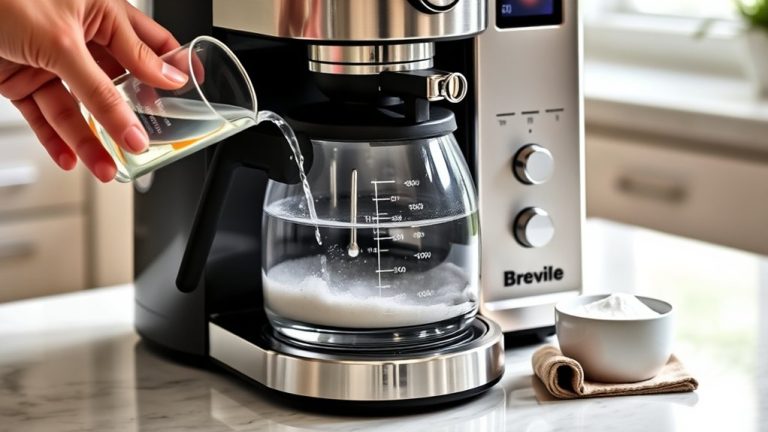
Start by filling the reservoir with a vinegar-water mix. Then, run a brew cycle.
After that, rinse thoroughly to restore your coffee maker’s ideal performance and help it last longer.
Is It Safe to Leave the Coffee Maker on Overnight?
It’s not safe to leave your Cuisinart coffee maker on overnight. For safety precautions and to reduce energy consumption, always unplug it after use.
This helps prevent electrical hazards and avoids unnecessary power drain. Trust me, it’s a simple step that can save you trouble later. Just make it a habit!
Can I Use Bottled Water Instead of Tap Water?
You can absolutely use bottled water instead of tap, but quality is key. Poor water quality can cause mineral buildup, which impacts performance.
What Warranty Does Cuisinart Offer on Coffee Makers?
Cuisinart offers a 3-year limited warranty covering defects in materials and workmanship. You’ll need to register your product and keep proof of purchase to access warranty policies and repair services efficiently.
It’s pretty straightforward. Just make sure you hold onto your receipt and complete the registration so you can easily get help if anything goes wrong.
Conclusion
Now that you’ve mastered your Cuisinart coffee maker, you’re set to brew like a pro. No need for a Victorian-era percolator here. Remember to measure water precisely and choose the right grind.
Be sure to clean your machine regularly to avoid clogs. You can also use the programmable features to customize strength and temperature. It’s pretty handy once you get the hang of it.
With proper maintenance and a bit of troubleshooting know-how, your Cuisinart will deliver consistent, café-quality coffee every time. This ensures peak performance and helps your machine last longer.